
How to Treat Computer-Related Aches
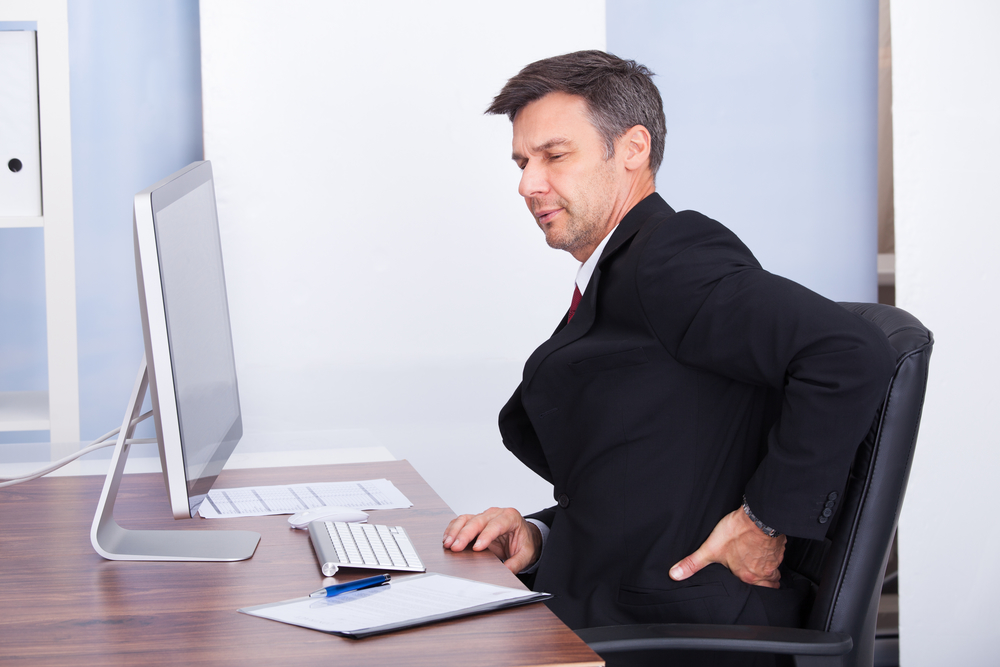
If you have to spend time in front of a computer screen, you are aware of the aches and pains associated with extended screen-time effects. Finding a way to cope with muscle aches and stiffness related to your job can be an ongoing struggle. In our ever-increasing, technology-rich society, finding ways to improve posture, neck and back support is critical. Poor posture and repetitive motion can cause degenerative disc disease. This article will focus on tips and suggestions to help alleviate computer-related work injuries.
Head Aches and Neck Aches
Headaches and neck aches can often accompany computer work. In addition to simple eye strain from staring at the computer, you could be experiencing “text neck”. Physicians have actually coined this phrase to address the condition many people are experiencing as a result of holding the head at a downward 45-degree angle. Being mindful that this condition can cause undue stress is key. Try some of the following exercises with working on the computer or looking at a tablet or phone:
- Lengthen the neck by raising and lowering the chin in a slow nodding motion.
- Move the head from side to side toward each should.
- Roll head around alternating between clockwise and counterclockwise.
- Shrug shoulders and rotate shoulders back.
These gentle motions done every hour can seriously reduce strain and irritation related to computer work.
Seating Types
Making sure to have a proper chair is one of the best things to do to prevent injury associated with kyphosis. Kyphosis is excessive curvature of the back. This condition can begin by sitting hunched over at the computer. Ergonomic seating options, wobble chairs, balance ball chairs and wobble stools are just some of the options available to help you remain mindful of your posture during computer work. If these options are unavailable, make sure your chair is adjusted properly so your feel rest firmly on the floor and your wrists rest at a comfortable right angle while typing.
Lower Back Support
Sitting for an extended period of time can cause stress and strain on the lower lumbar. There are different types of supports and cushions to add to seating that can help relieve strain on the lower back. Once an hour, stand and bend over to touch your toes. Raise up and stretch your arms overhead. Twist with your hands on your hips looking over your shoulder on each side. These simple motions will help alleviate tension in the lower back.
Leg Pain and Stiffness
If you notice your legs becoming achy and restless after extended time at the computer, get up and move. The body is not designed to be sedentary. Standing, walking around and squatting can increase blood flow to the legs and immediately help relieve any tingling sensations. Lunges and calf stretches can also help improve muscle stiffness related to sitting for too long.
Ongoing Care for Computer-Related Aches
If working at the computer is an unavoidable by-product of your job, Delaware Integrative Healthcare and Rehabilitation Center is committed to helping treat conditions developed as a result of prolonged work on the computer. Adjustments and alternate therapies can offer relief beyond taking pills to treat headaches and body aches. Call today so we can help you enjoy pain-free living.
When Computer-Related Symptoms Need Evaluation
Persistent pain, numbness, tingling, weakness, severe headaches, or symptoms that worsen despite workstation changes should be evaluated by a qualified healthcare professional. Learn more about chiropractic care at DIH, explore our Delaware locations, or read our guide to creating an ergonomic workstation.
This article is for educational purposes and is not a diagnosis or a substitute for individualized medical advice.
Additional Evidence-Based Resource
For additional evidence-based information, review MedlinePlus: Health Topics.
Set Up the Workstation Around the Task
Place frequently used items within easy reach. Keep the monitor near eye level and directly in front of you when possible. Position the keyboard and mouse so shoulders can remain relaxed and elbows stay near the body. Laptop users may benefit from an external keyboard and mouse when working for long periods.
Movement Breaks Matter More Than a Perfect Posture
No posture remains comfortable forever. Change position regularly, stand during some tasks, and take brief movement breaks before discomfort becomes intense. Even a well-designed chair cannot replace movement. Experiment with reminders until breaks become part of the work routine.
Managing Screen-Related Headaches
Headaches may relate to eye strain, lighting, stress, sleep, migraine, muscle tension, or other causes. Adjust glare, screen distance, and text size, and follow appropriate eye-care guidance. New, severe, or changing headaches need medical assessment rather than being assumed to come from posture.
Build Capacity Outside the Workday
General strength, walking, and comfortable mobility can improve tolerance for desk work. Start at a level you can repeat and progress gradually. If symptoms include persistent numbness, weakness, or pain radiating into an arm or leg, seek an evaluation.
Schedule Your Next Step
Learn more about Dr. Paul White or review care available at our Dover office. New patients can request an appointment online, and current patients can use the existing-patient scheduling page.
This article provides general educational information and does not replace an individualized evaluation or medical advice.
Primary General Wellness Resource
For a broader overview and more related patient guides, visit How Do I Find the Treatment That’s Right for Me? Questions to Ask Your Doctor.